

You don’t need ten tools to put a website online. You need two things you pay for, and three you set up. Get those right and the rest can wait.
The trouble is that every guide hands you a different shopping list. One says buy everything. Another says it can all be free. Neither is quite right, and both leave first-time builders staring at a checkout page, wondering what’s essential.
So here’s the short list: what to buy, what’s genuinely free, what to ignore for now, and what changes if you’re building in the US, UK, Canada, New Zealand, Australia, Ireland, the Cayman Islands, the Bahamas, the British Virgin Islands or South Africa.
A few ground rules. Prices are in US dollars and come from the live Side Hustle Hosting storefront, read on 28 October 20261,2. Prices change, so confirm the total at checkout. Country rules come from the registries themselves. The example businesses are invented.
The Day-1 Shopping List at a Glance
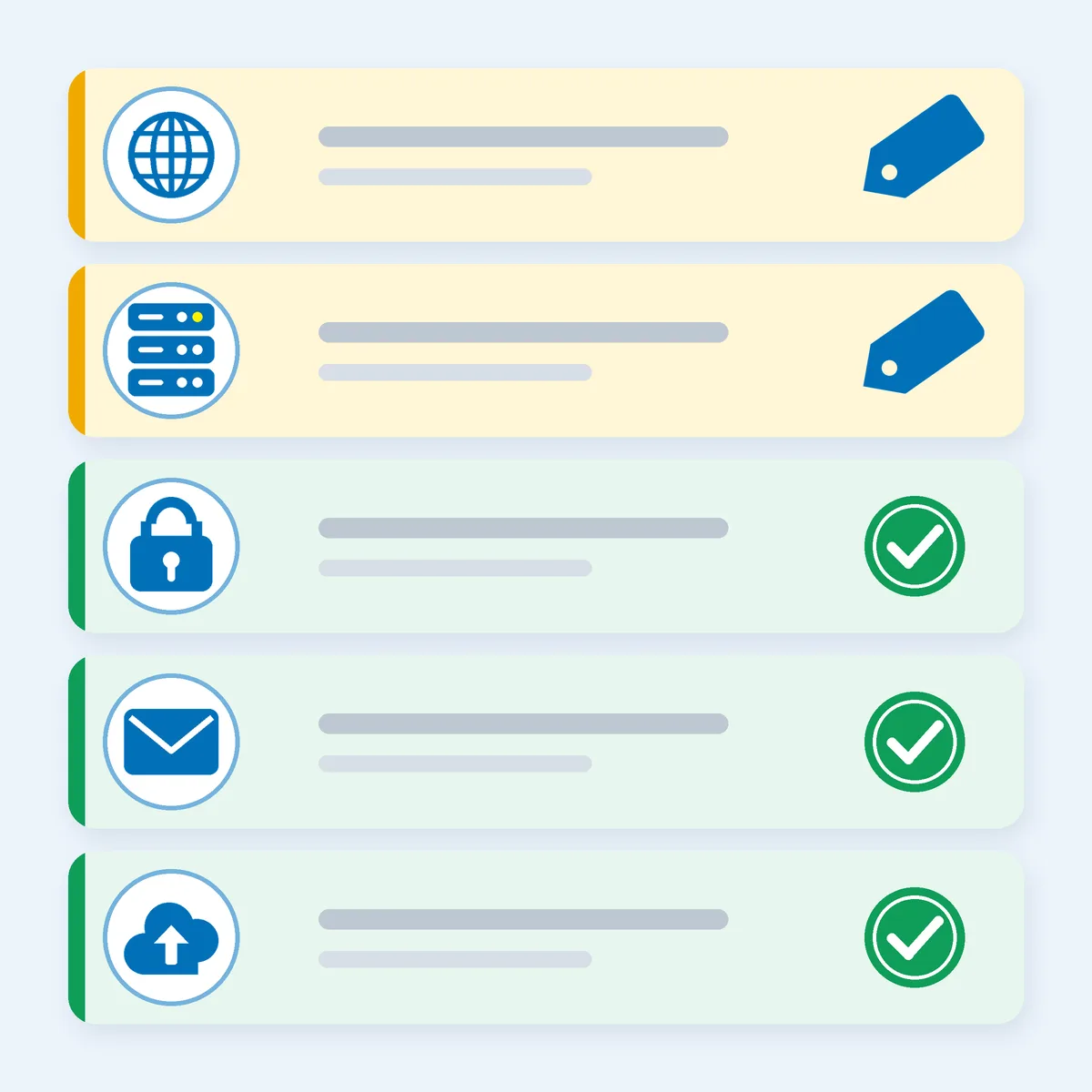
Here’s the whole list. Two items cost money. The other three are mostly setup and habit.
- A domain name. Your address on the internet, such as harbourlanecandles.com. Paid, and it renews every term.
- A hosting plan. The place your site’s files live. Paid, monthly or on a longer billing cycle.
- HTTPS. The padlock that shows your site is served securely. A free, auto-renewing certificate is included with every Side Hustle Hosting plan1.
- Email on your own domain. Something like hello@harbourlanecandles.com looks more professional than a free webmail address. Mailboxes come with the plan: five on the entry plan1.
- A backup habit. Free, but it’s on you.
What’s not on the list for Day 1? A second domain, paid design add-ons, and anything you can’t explain in one sentence. Add those when the site has earned them.
Two of those five items need something from you rather than your wallet. The domain should be registered in your name. The backup is something you do, not something you buy.
That’s the discipline of a good Day 1: buy the foundation, set up the basics, and resist the shiny extras.
Item 1: A Domain You Actually Own
A domain is rented, not bought outright. You rent it from a registrar, a company that sells registrations. ICANN, the body that coordinates the domain system, says the relationship between you and an accredited registrar is governed by a Registration Agreement3. So read the basics of that agreement before you pay.
Run these four checks first:
- You’re the registrant. Use your own name or your business’s legal name, and an email address you’ll still control in three years. A domain registered in a freelancer’s or friend’s name is theirs, not yours.
- Look at the renewal price, not just the first-year price. The Side Hustle Hosting storefront lists .com at $16.20 USD to register and the same $16.20 USD to renew2. The page doesn’t spell out the registration period, so confirm it at checkout. Treat “free first year” offers the same way. WordPress.com, for example, says a free custom domain for the first year comes with its annual plans4. That’s a decent deal if you know the year-two price.
- Switch on auto-renew and put the expiry date in your calendar. ICANN’s policy requires registrars of generic domains such as .com to send expiry reminders, about a month and about a week before the date5. A reminder isn’t a plan. Your calendar is the plan.
- Expect a lock after you register. ICANN says a registrar may deny a transfer within 60 days of the initial registration6. Pick a registrar you’re happy to stay with for a while.
The storefront also offers WHOIS Privacy, which it describes as keeping your personal details hidden and reducing spam2. The page we read doesn’t show a price for it, so ask before you add it.
Still choosing the name itself? Our 10-minute domain name checklist walks through it, including the country-ending rules.
Item 2: Hosting That Fits the Site You’re Building
Hosting is the computer that stores your site’s files and serves them to visitors. Your plan decides how many sites you can run, how much space and traffic you get, and how many mailboxes and databases you can create.
Side Hustle Hosting’s shared plans, as listed in US dollars on 28 October 20261:
- Side Hustle Plan: 1 website, 1 GB disk, 10 GB monthly traffic, 5 mailboxes, 2 databases. $4.95 a month on the monthly cycle, $4.13 a month on the annual cycle1.
- Main Hustle Plan: 4 websites, 4 GB disk, 100 GB monthly traffic, 25 mailboxes, 4 databases. $9.95 a month on the monthly cycle, $8.29 a month on the annual cycle1.
- Empire Plan: website and mailbox allowances are set by fair use; see the plan page for current limits, 10 GB disk, 100 GB monthly traffic, 20 databases. $14.95 a month on the monthly cycle, $12.46 a month on the annual cycle1.
Every plan runs Nginx with the Plesk Obsidian control panel and includes a free, auto-renewing Let’s Encrypt certificate. The page also says fair use applies and limits may change with notice1, so read the Acceptable Use Policy before you lean on any figure.
How do you choose? One shop or one portfolio fits the entry plan. Several brands or client sites point to the middle one. Be stoic about it: buy for what you’re building this month, not the empire you hope to run in three years.
If you plan to run WordPress, check the host against WordPress’s own requirements. WordPress.org asks for PHP 8.3 or greater, MariaDB 10.11 or greater or MySQL 8.0 or greater, and HTTPS support7. The plan page doesn’t list PHP or database versions, so ask the support team to confirm them before you install anything.
For a deeper look at shared hosting versus other options, see our guide to choosing the right hosting for your hustle site.
Free vs Paid: The Honest Version
Free is real. It also has a price tag, it’s just not always in dollars. Here’s where each one lands.
Genuinely free: HTTPS. Let’s Encrypt describes itself as a free, automated and open certificate authority run by the nonprofit Internet Security Research Group, and says anyone who owns a domain name can get a trusted certificate from it8. On Side Hustle Hosting, a free auto-renewing one comes with every plan1. The storefront also sells a RapidSSL DV certificate at $16.90 USD for one year9. For a first site, start with the included certificate and revisit the paid one only if you have a reason.
Free, with strings: a free site-builder plan. WordPress.com’s free plan comes with 1 GB of storage, and WordPress.com says free sites display its ads to visitors4. That’s a fair way to test an idea over a weekend. It isn’t yet your own site on your own hosting, with your own domain and your own mailboxes.
Cheap, not free: the foundation. Here’s our own maths, so check it against the checkout page. If the Side Hustle Plan is billed at $4.13 a month across 12 months, that’s $49.56 for the year1. Add a .com at $16.20 and the first year comes to $65.761,2. If you pay month to month at $4.95, it’s $59.40 for the hosting alone over 12 months1. The cycle you choose changes the total, so read the final figure before you pay.
Never free: your time, and your backup. The plan page doesn’t list a backup service, so assume the copy is yours to make. The UK’s National Cyber Security Centre tells organisations to back up everything they need to operate, including the website, emails and invoicing, and suggests keeping two backups if you can10. After you build your first page, download a copy.
A simple rule: spend on the things that are yours, the domain and the hosting. Don’t pay for add-ons you can’t explain yet.
One Shopping List, Ten Markets
The list doesn’t change by country. The domain ending does. A .com works everywhere, because Verisign, which runs it, describes .com as an unrestricted top-level domain open to any internet user anywhere in the world11. A country ending can add local trust, and sometimes paperwork. The prices below are the storefront’s USD prices to register and renew2.
- United States: .com is the usual start, at $16.202. The storefront also lists .us at $12.602. We haven’t covered .us eligibility here, so read its rules before you buy.
- United Kingdom: .co.uk at $10.202. Nominet’s Rules of Registration say it doesn’t restrict who can apply for .co.uk or .org.uk12.
- Canada: .ca at $18.602, but you must meet CIRA’s Canadian Presence Requirements, and CIRA can ask you to prove it13. If you don’t qualify, use .com.
- New Zealand: .co.nz at $54.002, a lot more than the others, so compare it with .com. The Domain Name Commission says anyone over 18 can register a .nz name and you don’t have to be in New Zealand14.
- Australia: .com.au at $18.602. auDA requires an Australian Presence and a commercial entity, and the name must connect to your business15. If you haven’t registered the business yet, see our guide to registering your side hustle.
- Ireland: .ie isn’t on the storefront. The .IE registry checks every application for a connection with Ireland, usually with one document16. You can start with a .com here and add the .ie once your paperwork is ready.
- Cayman Islands: .ky isn’t on the storefront. The Cayman regulator, OfReg, has an FAQ explaining why it lets people outside the Cayman Islands hold a .ky name17. That page is undated, so check the current rules and price first. A .com is the simplest start.
- Bahamas: .bs isn’t on the storefront, and we couldn’t reach a registry page to check its rules, so we won’t guess. Start with a .com and check the registry before paying for a Bahamian ending.
- British Virgin Islands: .vg is listed at $62.402. We haven’t verified who may register it, so check the registry first. A .com is the simpler start.
- South Africa: .co.za at $9.602. ZADNA says there’s no overall policy stopping non-South Africans from registering, and that co.za normally accepts both18.
The storefront has a currency picker covering USD, ZAR, GBP, CAD, NZD, AUD, EUR, KYD and BSD1. If the page opens in a different currency from the one in this post, switch the picker to USD to compare like with like.
Your Day-1 Order of Operations
Courage is mostly sequence. Do these in order and each step gets easier.
- Choose your name and ending. Short, easy to spell, and open to you. If the country ending has rules you can’t meet, choose .com.
- Register the domain in your name. Use an email you’ll keep. Turn on auto-renew and add the expiry date to your calendar.
- Choose a hosting plan. Match it to what you’re building this month, and check the billing cycle and the total at checkout.
- Ask about versions if you’ll use WordPress. Confirm PHP and database versions with support before you install.
- Connect the domain to the plan. Follow the host’s instructions, then load your site and check for the padlock.
- Create your first mailbox. Send yourself a test message from your own domain.
- Make your first backup. Download a copy of the site and keep it somewhere that isn’t the host.
Seven steps, none of them clever. That’s the point.
Your Move
Here’s the move: register one domain in your name, choose one plan that fits what you’re building now, switch on auto-renew, and make a backup. Do it this week, while the idea is still warm. A site that’s live and imperfect beats a perfect one that’s still in your notes app.
Ready for the hosting side of the list? Launch Your Hustle →
We’re helping 1,000 ambitious people turn their side hustles into main hustles by 2028, and a live website of your own is one of the first moves. Yours can be next. You’ve got this.
Where the numbers come from
Prices and plan details come from the live Side Hustle Hosting storefront, read on 28 October 2026 in the US dollar view. Country rules come from the registries and policy bodies, read on 22 or 28 October 2026. Rules and prices change, so check the current page before you rely on one. Example businesses in this post are invented.
- Side Hustle Industries, Shared Web Hosting (Side Hustle, Main Hustle and Empire plans; USD view), Side Hustle Hosting, 2026 (read 28 October 2026). hosting.sidehustle.industries
- Side Hustle Industries, Domain Registration (USD prices, WHOIS Privacy), Side Hustle Hosting, 2026 (read 28 October 2026). hosting.sidehustle.industries
- ICANN, Accredited Registrars (Registration Agreement), ICANN, 2026 (read 28 October 2026). icann.org
- WordPress.com, Plans and pricing (free plan storage, ads on free sites, free first-year domain with annual plans), Automattic, 2026 (read 28 October 2026). wordpress.com
- ICANN, Expired Registration Recovery Policy (2.1.1, expiration reminder notices), ICANN, 2024 (read 22 October 2026). icann.org
- ICANN, FAQs for Registrants: Transferring Your Domain Name, ICANN, 2017 (read 22 October 2026). icann.org
- WordPress.org, Requirements, WordPress.org, 2026 (read 28 October 2026). wordpress.org
- Let’s Encrypt, About Let’s Encrypt, Internet Security Research Group, 2026 (read 28 October 2026). letsencrypt.org
- Side Hustle Industries, SSL Certificates (RapidSSL DV, one year), Side Hustle Hosting, 2026 (read 28 October 2026). hosting.sidehustle.industries
- National Cyber Security Centre (UK), Small organisations guide to cyber security: Backing up your data, NCSC, 2026 (reviewed 21 July 2026). ncsc.gov.uk
- Verisign, Registry Services Evaluation Request (RSEP 2017038) (.com described as an unrestricted, unsponsored top-level domain), filed with ICANN, 2017 (read 22 October 2026). icann.org
- Nominet, Rules of Registration (clause 4.4, Open SLDs .co.uk and .org.uk), Nominet, 2025 (read 22 October 2026). nominet.uk
- CIRA, Canadian Presence Requirements, CIRA, 2026 (read 22 October 2026). cira.ca
- Domain Name Commission (InternetNZ), Why .nz, DNC, 2026 (read 22 October 2026). dnc.org.nz
- auDA, .au Domain Administration Rules: Licensing (2.4, eligibility and allocation criteria), auDA, 2026 (read 22 October 2026). auda.org.au
- .IE, How to register a .ie domain, .IE (weare.ie), 2026 (read 22 October 2026). weare.ie
- OfReg (Cayman Islands), Frequently Asked Questions about .KY Domain (undated page), OfReg, read 28 October 2026. ofreg.ky
- ZADNA, FAQ (Can only South African citizens register .za?), ZADNA, 2026 (read 22 October 2026). zadna.org.za
