

Day 1 of a side hustle usually looks like this: forty open tabs, three half-written ideas and a list of “100 AI tools you need” that you’ll never finish reading. That’s not a plan, Tribe. That’s procrastination with extra steps.
So here’s the short list of the best free AI tools to start with: four tools, each doing one job you’ll need straight away: thinking, researching, designing and remembering what customers tell you. For each one you get what the free plan actually includes, why it earns a place on day 1, and one first task to do with it. We checked every free plan on the vendor’s own pricing page in October 2026, we’re not affiliated with any of them, and nobody paid to be here. If you want the bigger menu later, our longer list of free AI tools is still there. Start with these four.
The Rule: One Tool per Job
Most beginners don’t fail with AI because they picked the wrong tool. They fail because they picked eleven and learned none of them properly. One tool per job keeps your learning curve short and your outputs consistent.
And remember that free means limits, not nothing. Every tool below caps something: messages, AI uses, minutes or sources. The trick is knowing where the cap sits before you hit it, so it never stalls your work at a bad moment.
Here’s the test we use for whether a tool deserves a day-1 slot. It must have a genuinely free plan, not just a trial. It must do a job you need in your first week, not in your first year. And you must be able to get a useful result from it within one sitting. All four below pass all three tests.
1. Claude (Free Plan): Your Thinking Partner
What the free plan includes: Anthropic lists Claude’s Free plan at $0, “free for everyone”, with chat on web, desktop and mobile, web search, file creation and code, memory across conversations and up to five projects1. Every plan has usage limits that reset on a rolling five-hour window1, so a long session can pause you for a while.
Where it works: Anthropic’s supported-regions list includes the US, UK, Canada, Ireland, Australia, New Zealand, South Africa and the Bahamas, and says territories and dependencies of listed countries are covered too2. Check the list for your location before you sign up.
Why on day 1: Your idea lives in your head as a fog. A chat assistant turns fog into sentences you can test, fast.
First task: Paste this, filled in: “I want to sell [what] to [who] who struggle with [problem]. Ask me five hard questions about this idea, one at a time, then write a two-sentence offer from my answers.” Answer honestly. The questions are worth more than the offer.
Caution: Treat every fact it gives you as a lead to check, not an answer. And keep clients’ private details out of your chats.
Privacy setting to check: on Free, Pro and Max accounts, Anthropic lets you switch off the setting that allows your chats to be used to improve its models, under Settings, then Privacy3. Anthropic also says Incognito chats are not used to improve Claude, even if that setting is on4. Decide which you want before your first real client conversation, not after.
2. Gemini Notebook (Free): Research That Shows Its Sources
What the free plan includes: Google’s notebook research tool, called NotebookLM until July 2026, is now Gemini Notebook, and Google says it’s the same product5. Its standard plan, aimed at personal projects, gives standard usage limits and up to 50 sources per notebook5, and Google’s subscriptions page lists it in the free-of-charge plan with a Google Account6.
Why on day 1: You need to understand your market before you sell to it. This tool answers from the material you give it. Google says being “source-grounded” reduces the likelihood of AI errors5. Reduces, not removes.
First task: Create a notebook. Add your own notes plus the pages of five businesses already selling something like your idea. Then ask: “What do these businesses promise, what do they leave out, and what questions would a nervous first-time buyer still have?” The gaps it finds are your positioning.
Caution: Click through to the original passage before you repeat anything. Google also says that when you use it as an individual, your data isn’t used for training unless you share feedback5. Still, keep anything confidential out of it, and don’t use the feedback buttons on answers that quote private material.

3. Canva Free: Your First Visuals Without a Designer
What the free plan includes: Canva says Canva Free “is available to anyone” at no cost7. The free plan includes more than 1.6 million templates and exports to PDF, JPG and PNG7. For AI, Canva Free gets up to 20 uses a month of its Standard or Premium AI tools from a shared allowance that resets each month7.
Why on day 1: People judge a new hustle by its profile picture, banner and first post. You don’t need a brand agency for those. You need something clean, consistent and finished.
First task: Make one social post that states your two-sentence offer from the Claude task. Pick a simple template, swap in your words, get creative with one bold image, and spend a couple of your AI uses on ideas for the image. No logo yet? Our one-hour free logo guide gets you there without spending anything.
Caution: Twenty AI uses go quickly if you play with them. Canva’s pricing page also has a section on whether its AI is available in your country7, so check it if a tool doesn’t show up for you.
Privacy setting to check: Canva’s help centre says you can view and change your privacy preferences from your Profile icon, then Your account, then Privacy controls, with a toggle for each permission8. Read each description there, including the ones about using your content to improve AI features, and set them the way you’re comfortable with.
4. Otter (Basic): Never Lose a Customer Conversation
What the free plan includes: Otter’s Basic plan is free, priced in USD, and gives 300 transcription minutes a month, a maximum of 30 minutes per conversation and 3 audio or video file imports for the lifetime of the account9. It joins Zoom, Microsoft Teams and Google Meet calls, and transcribes English, Spanish, French, German, Japanese and Chinese9.
Why on day 1: Your first customer conversations are the most valuable research you’ll ever do, and you will forget the exact words people used. Those exact words become your headlines.
First task: Book one 20-minute call with someone who fits your target customer. Ask about their problem, not your product. Asking a near-stranger for 20 minutes takes a little courage. Do it anyway. Record it with their permission, then ask Otter’s AI chat to list every frustration they mentioned, in their words.
Caution: Always ask before you record anyone. The 30-minute cap per conversation on Basic is a good excuse to keep calls short. Otter’s help centre says that if you go past 30 minutes, the recording carries on but you can only open the first 30 minutes of the transcript on Basic10. Keep a phone voice memo running as a backup on longer calls.
When You Hit a Free Limit
You will hit a limit. That’s normal, and it’s rarely a reason to pay on the spot. Here’s what each cap means in practice:
- Claude: the limits reset on that rolling five-hour window. Use the pause to act on what you’ve got: send the message, edit the draft, book the call. Then come back with one sharper prompt instead of ten loose ones.
- Gemini Notebook: 50 sources is the cap per notebook. If you need more, you probably have two questions, not one. Start a second notebook for the second question.
- Canva: the AI allowance resets monthly. When it runs out, the templates and exports still work, so finish designs by hand and save the AI uses for the image ideas you’re truly stuck on.
- Otter: Otter says that once you pass 300 minutes, you can’t record or import until your next monthly cycle, and deleted conversations still count towards that limit10. Basic also shows only your 25 most recent conversations, with older ones archived rather than deleted. So export the transcripts you care about as you go. Otter’s pricing table lists text and audio export, as TXT and MP3, on the free plan9.
If the same limit stops you three times in a row on real paid-for work, that’s the moment to look at an upgrade, and only for that one tool.
Your Day 1 Plan in Four Moves
Here’s the order we’d use, because each step feeds the next:
- Otter: record yourself explaining your idea out loud for five minutes, or hold that first customer call.
- Claude: paste the transcript and run the five-hard-questions prompt.
- Gemini Notebook: check your offer against five competitors and list the gaps.
- Canva: turn the sharpened offer into one finished post.
That’s one idea taken from fog to something real, without spending a cent. Curious beats busy. Finished beats perfect.
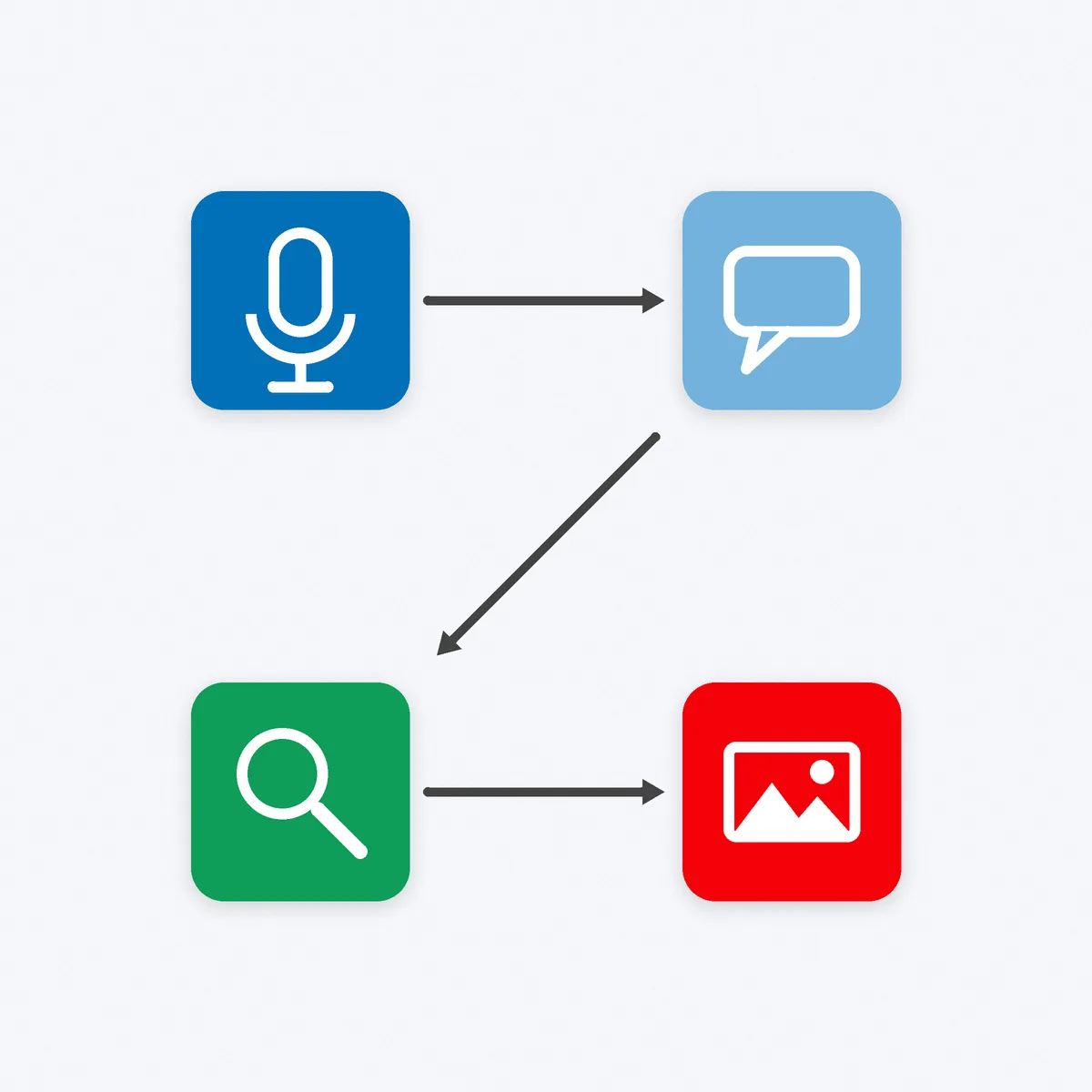
How the Four Fit Together on One Small Project
Say you want to offer dog-walking in your neighbourhood. Here’s the same toolkit run on one real project:
- Otter: you call two dog owners you know and ask what annoys them about their current arrangement. Otter captures the exact phrases, such as “I never know if they actually turned up.”
- Claude: you paste both transcripts and ask for three offers that answer those exact frustrations, then pick the strongest.
- Gemini Notebook: you add the pages of four local walkers and your chosen offer, and ask what they promise that you don’t, and what nobody promises at all. Maybe nobody sends a photo after every walk.
- Canva: you make one flyer and one social post around that gap: “A photo after every walk.”
Four free tools, one afternoon, and an offer built from customers’ own words instead of your guesses.
A First-Week Practice Plan
Learning a tool once isn’t learning it. Do each of these practice rounds in order, one per sitting, and you’ll own the basics of all four by the end of your first week:
- Round 1, Otter: record a five-minute voice note explaining your idea, then export it as TXT. You’ve now tested the whole capture-to-file loop.
- Round 2, Claude: run the five-hard-questions prompt on that transcript, then ask it to rewrite your offer for a different customer type. Compare the two.
- Round 3, Gemini Notebook: build one notebook with five competitor pages, ask three questions and click through every citation it gives you.
- Round 4, Canva: make the same post in two layouts, then pick one and delete the other. Deciding fast is part of the skill.
- Round 5, all four: repeat the small-project run above for your own idea, start to finish, in one sitting.
Write down one thing each tool did well and one thing it got wrong. That note is worth more than any review site.
What We Left Off the List (and Why)
No video generators, voice cloners, chatbot builders or automation platforms. They’re not useless; they’re just not day 1. Each one solves a problem you don’t have yet, and each one is easier to learn once you know what you’re selling and who to.
The same goes for a second chat assistant. If you already like a different free assistant, use it for the Claude task instead. The prompt matters more than the logo on the app. What you shouldn’t do is run three of them side by side and compare outputs for an hour. That’s research theatre, not research.
When you’re ready for more, add one tool at a time, and only when a specific, repeated job is slowing you down.
What the Free Plans Don’t Shout About
- Plans change. Anthropic says its prices and plans are subject to change at its discretion1, and Canva says its features and offerings may evolve over time7. Re-check the pricing page before you build a routine on any free limit.
- Limits are the business model. For reference, Anthropic lists Claude Pro at $20 a month billed monthly1. Upgrade when a limit costs you more time than the plan costs you money, not because a pop-up told you to.
- Check your settings once. Privacy and training settings live in different places in each tool, and vendors update them. Set them when you sign up, then re-check when you change plan.
- Keep your own copies. Export your posts, save your transcripts and keep your best prompts in a plain document. If a free plan shrinks, your work shouldn’t disappear with it.
Your Move
Pick ONE tool from this list and do its first task before you open a fifth tab. Then do the next one. Four tools, four tasks, one sharper idea.
Stay disciplined about limits and stoic about the AI’s mistakes: check, fix, move on. We’re helping 1,000 ambitious people turn their side hustles into main hustles by 2028, and it starts with day 1 done properly. We got this. Ready to put those tools to work? Launch Your Hustle →
Where the numbers come from
Every plan, limit and privacy-setting detail above comes from the vendor’s own pricing, plan or help page, checked October 2026 (15 October 2026). Free plans, limits and prices change, so check the current page before you rely on them. We are not affiliated with any tool in this post.
- Anthropic, Plans & Pricing | Claude, Anthropic, 2026 (free plan, usage limits and Pro price read 15 October 2026). claude.com
- Anthropic, Supported countries and regions, Anthropic, 2026. anthropic.com
- Anthropic, How do I change my model improvement privacy settings?, Anthropic Privacy Center, 2026 (updated 3 August 2026; read 15 October 2026). privacy.claude.com
- Anthropic, Is my data used for model training?, Anthropic Privacy Center, 2026 (read 15 October 2026). privacy.claude.com
- Google, Gemini Notebook Plans, Google, 2026 (formerly NotebookLM; read 15 October 2026). notebooklm.google
- Google, Gemini subscriptions and plans, Google, 2026 (free-of-charge plan; prices shown vary by country). gemini.google
- Canva, Canva Pricing: Compare Free, Pro, Business and Enterprise plans (plan table and FAQs), Canva, 2026 (read 15 October 2026). canva.com
- Canva, Manage your privacy preferences, Canva Help Center, 2026 (read 15 October 2026). canva.com
- Otter.ai, Pricing, Otter.ai, 2026 (Basic plan read 15 October 2026). otter.ai
- Otter.ai, Conversation, import, and app limits on the Basic free plan, Otter.ai Help Center (read 15 October 2026). help.otter.ai